
Key Takeaways
Smart homes offer convenience and efficiency, but they also pose significant privacy risks. Local-only solutions can mitigate these concerns, providing control and security.
The Good: Convenience and Efficiency
Smart homes streamline daily tasks, enhance energy efficiency, and offer unparalleled convenience through automation.
The Bad: Privacy and Security Risks
Reliance on cloud-based services can expose personal data to breaches, highlighting the need for robust security measures.
Part 1: Transition Guide - The Wemo-to-Meross "Rescue" Plan
Step 1: Network "Hardening"
Before swapping hardware, prepare your infrastructure.
-
Segment your IoT: Create a dedicated 2.4GHz SSID for your smart home devices.
-
Static IPs: Use your router (or DHCP server) to assign static IPs to your new Meross devices. This prevents the "device not found" errors that plague Wi-Fi-based IoT.
Step 2: Provisioning for Local Control
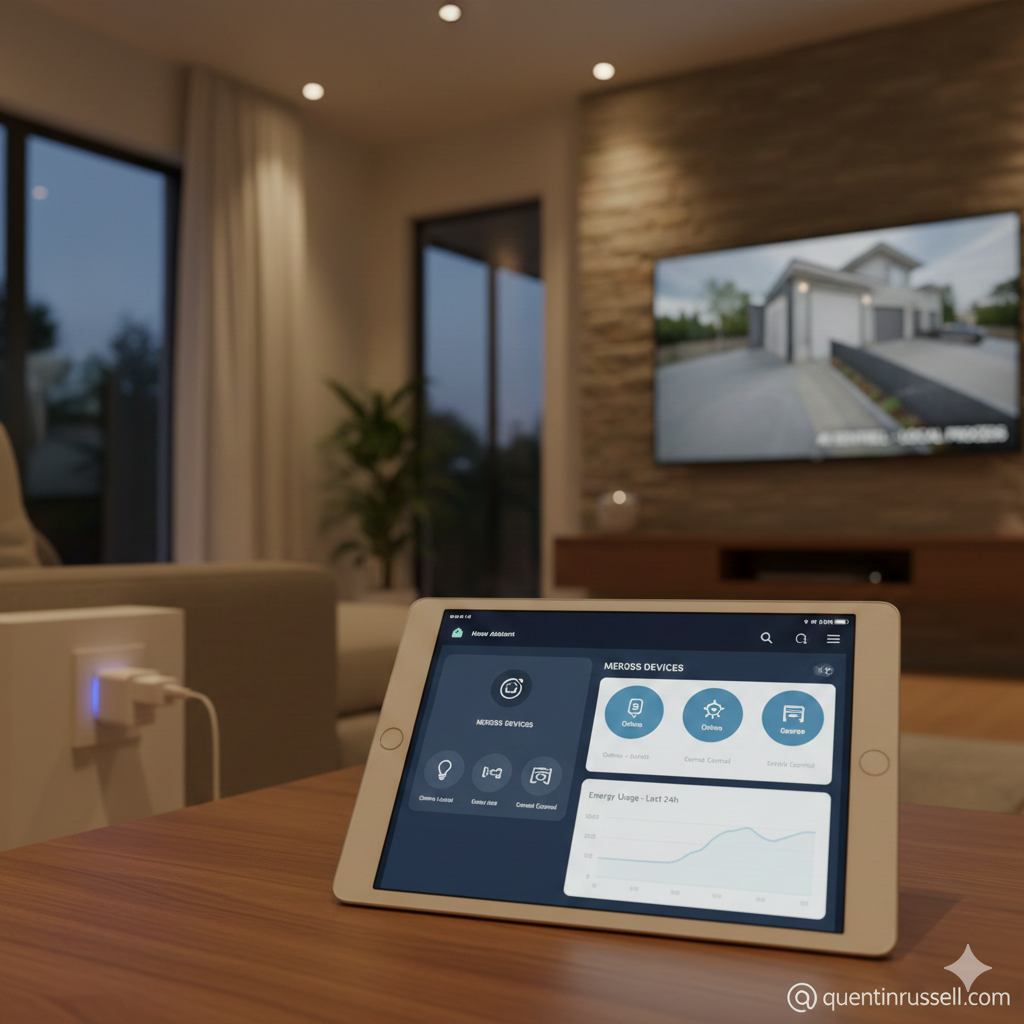
Meross devices are unique because they support HomeKit natively without a hub.
- Skip the Cloud: When setting up a Meross device, use the Apple Home app (or Home Assistant's HomeKit Controller) directly. You can often bypass the Meross app entirely.
- Home Assistant Integration: Use the Meross LAN integration via HACS. Unlike the official cloud integration, Meross LAN talks directly to the device over your local network. It even works if you block the device’s internet access at the firewall level.
Step 3: The "WemoOps" Cleanup
If you have legacy Wemo devices that are currently "unprovisioned" due to the app shutdown:
-
Use your WemoOps tool to bridge the gap.
-
Once provisioned locally, pull them into Home Assistant.
-
The Strategy: Use Wemo for non-critical tasks (holiday lights) and Meross for "mission-critical" ones (garage doors, security lights).
Part 2: Meross vs. The World (A Comparison for the "Technology" Section)
Feature
Meross
WeMo (Legacy)
TP-Link Kasa
Shelly
Sonoff
Primary Protocol
Wi-Fi / Matter
Wi-Fi
Wi-Fi / Matter
Wi-Fi / Bluetooth
Wi-Fi / Zigbee
Local API
Robust (via LAN)
Ending Support
Firmware Dependent
Native REST / MQTT
Yes (Tosmota ready)
HomeKit Native
Wi-Fi 6 support
Bluetooth 5.0
Gigabit Ethernet port
USB 3.1 Type-C
HDMI 2.0 output
Cloud Dependency
Optional
Required
High
None (Web UI)
Low (Cloud-optional)
Price Point
Budget ($)
Premium ($$$)
Mid-range ($$)
Mid-Range ($$)
Budget ($)
Product Variety 1-5 scale
5 (Plugs, Switches, Bulbs, Garage)
2 (Mostly Plugs and Switches)
4 (Wide range of Wi-Fi devices)
5 (Relays, Sensors, Pro line)
5 (Massive DIY ecosystem)
Best For
Budget HomeKit Users
The Cloud Graveyard
Mainstream Consumers
Systems Engineers & DIYers
Deep Power Monitoring
The "Road Less Traveled": Architecture for Longevity
The 3-Layer Defense
- The Physical Layer: Choose hardware with open or easily accessible local APIs (Meross, Shelly, or Zigbee-based devices).
- The Control Layer: Use an open-source hub like Home Assistant. It acts as your "Traffic Control," ensuring that if the internet dies, the house keeps breathing.
- The Privacy Layer: Implement a "No-Call-Home" policy. If a lightbulb wants to talk to a server in another country, it should have to ask you for permission first.
Final Recommendation
For a truly resilient setup, use Meross for your consumer-facing devices (lamps, garage doors) where you want easy HomeKit integration. Deploy Shelly or Sonoff for your "infrastructure" (fixed lighting and appliances) where power monitoring and zero cloud dependency are non-negotiable.
Project Progress: WemoOps
Track the latest developments in the WemoOps project, where we integrate smart home devices into a seamless ecosystem. Stay updated with our progress as we test new automation scripts, improve device compatibility, and enhance user experience.
WemoOps: Rescuing Your Hardware from the Cloud Graveyard
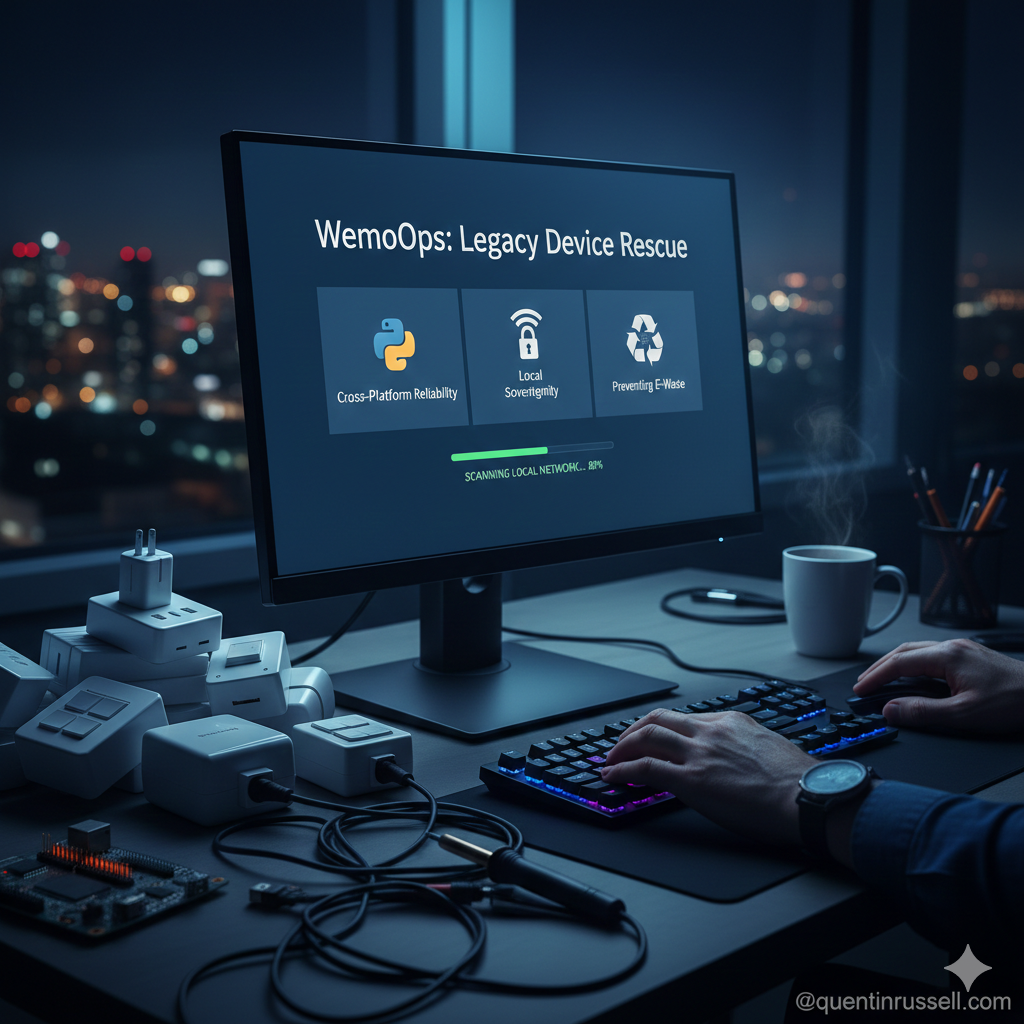
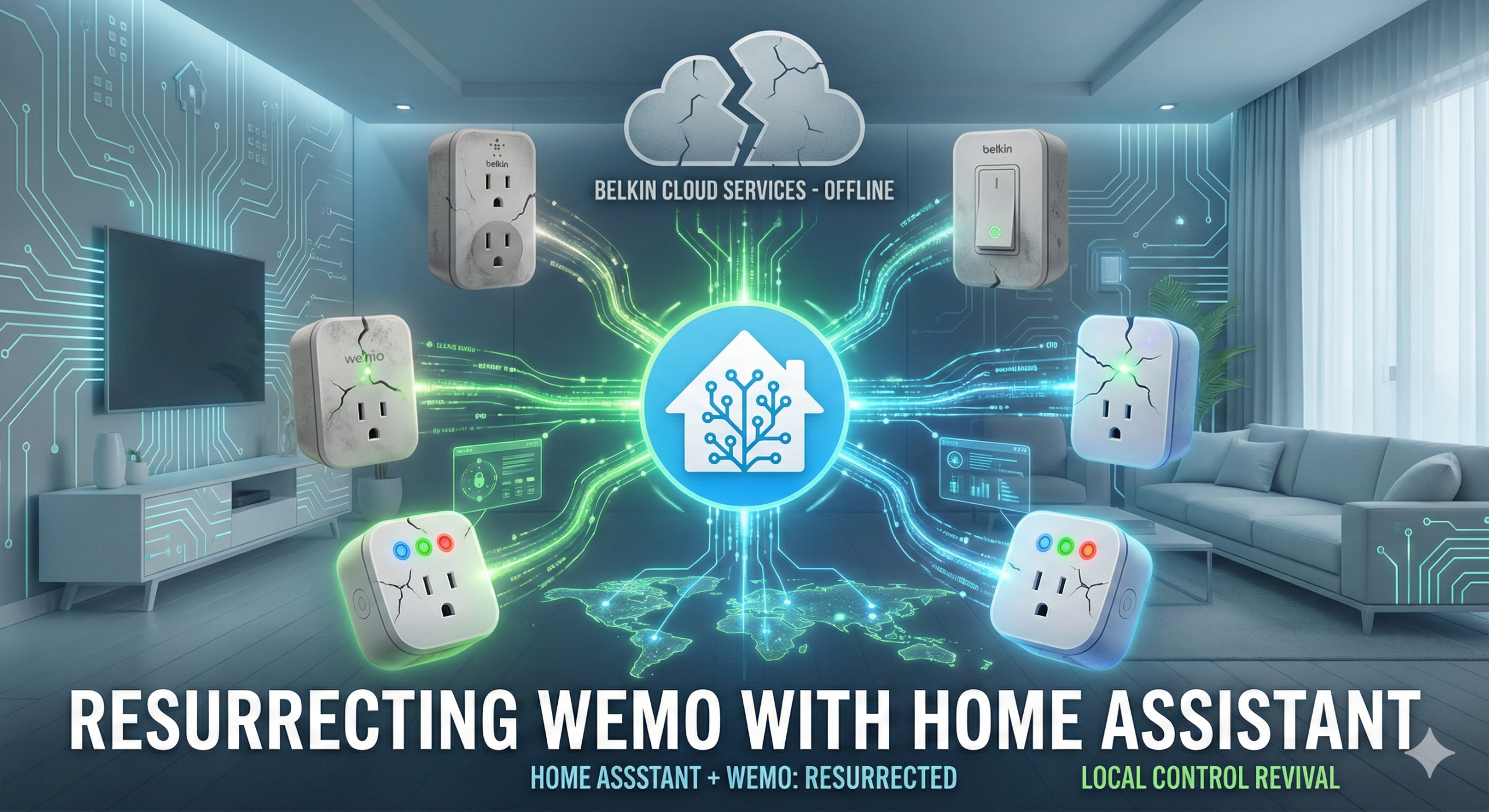
The WemoOps project is a cross-platform "rescue mission" for Belkin Wemo devices. It provides a local, independent way to provision and manage your hardware, ensuring that your smart plugs and switches remain functional even as official support and cloud servers disappear.
Why WemoOps is Necessary
On January 31, 2026, Belkin officially shut down the legacy Wemo cloud. For many, this meant their perfectly functional hardware became "bricks"—unable to be reset, moved to new Wi-Fi networks, or integrated into modern systems.
- Preventing E-Waste: Thousands of devices were at risk of being thrown away simply because of a software shutdown.
-
Local Sovereignty: WemoOps puts the control back in your hands by using universal Python scripts to communicate directly with the hardware on your local network.
-
Cross-Platform Reliability: Whether you are on Windows, macOS, or Linux, WemoOps provides the installers and service monitors needed to keep your automation stable.
Don't let your hardware become e-waste.
If you're struggling to revive your sunsetted Wemo devices, WemoOps provides a free, open-source lifeline. Download the latest cross-platform installers directly from our GitHub repository and take back control of your local network.
How to Avoid the "Cloud Brick" Situation in the Future
The Wemo shutdown is a wake-up call for the IoT world. To ensure your home stays smart for the next decade, you need to change how you shop and architect your system.
1. Prioritize "Local-First" Protocols
Look for devices that use Matter, Thread, or Zigbee. These protocols are designed to work within your home network without needing to "phone home" to a manufacturer’s server. If the company goes out of business, your Zigbee lightbulb doesn't care—it still talks to your hub.
2. The "Box Test" for Cloud Dependency
Before buying, check the requirements. If it says "Internet Connection Required for Setup" or "Cloud-only," proceed with caution. The best devices (like Shelly or Meross) allow for "Local Polling" or have a built-in Web UI that you can access via a browser.
3. Use an Open Source Hub
Centralize your control in a hub like Home Assistant. By pulling your devices into an open platform, you create a "buffer" between your hardware and the manufacturer’s app. If the official app dies, your Home Assistant integration (often community-maintained) likely won't.
4. Check for "Flashability"
For the truly tech-savvy, look for devices that can be flashed with custom firmware like Tasmota or ESPHome. This completely replaces the manufacturer's software with an open-source alternative, giving you 100% ownership of the device’s "brain."
Discover the Meross Advantage
Disclosure: Every product listed here is part of my own "local-first" smart home blueprint. These are tools I trust to keep a network reliable and sovereign. The links below are Amazon Affiliate links; if you choose to use them, you’re helping support the deep-dives and development on this blog at no extra cost to you.

meross Outdoor Smart Plug Compatible with Apple HomeKit, Siri, Alexa, Google Assistant and SmartThings, Waterproof Outdoor Outlet, Remote & Voice...

meross Matter Smart Plug Mini, FFS Easy Setup, 100% Privacy Smart Outlet, Compact Size, Support Apple Home, Alexa, Google Home with Schedule and Timer, App and Voice Control, 2.4G Wi-Fi Only (4 Pack)

meross Smart Garage Door Opener Remote, Compatible with Apple HomeKit, Amazon Alexa, Google Assistant, SmartThings, Siri, CarPlay and Android, Universal WiFi Garage Controller, No Hub Required

meross Smart Light Switch 4 Pack Supports Apple HomeKit, Siri, Alexa, Google Assistant & SmartThings, Single Pole Light Switch, Neutral Wire Required, Remote Control Schedule, 2.4GHz Wi-Fi
Unlock the Full Potential of Your Smart Home
Ready to dive deeper into the world of smart home technology? Discover how you can optimize your home systems for efficiency and security. Click below to explore expert insights and solutions tailored for tech enthusiasts like you.
0 Comments